How to add a new customer in Giddh.
Log in to your Giddh account to begin adding a new customer.
To quickly search for anything in Giddh, press Ctrl + G (Windows) or Cmd + G (Mac), or use the search icon located at the top of the screen.
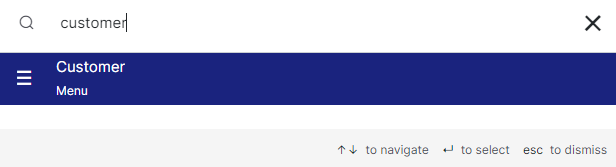
Click on "Add Customer" button.

#
Steps to Add Customer Details in Giddh:
Enter Basic Information
Fill in customer details such as name, address, contact number, and other relevant information.
Add Custom Fields (Optional)
If you need to include more specific information, use the custom fields section to capture additional data.
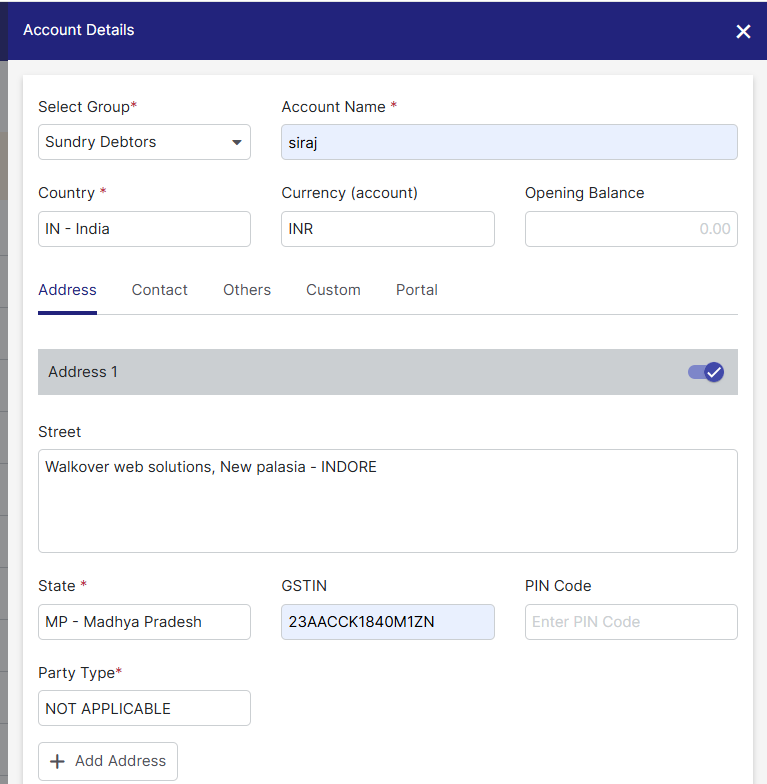
Once all the necessary information is entered, click the "Save" button to add the customer to your records.
.webp)
You can then view the list of the created customers in the customer section.

Was this helpful?