How to send a payment reminder to the customer
To send a payment reminder to the customer in Giddh log in to your Giddh account.
To search anything in Giddh just press Ctrl+G (for Windows) or Cmd+G (for Mac).
Hit Ctrl+G/ Cmd+G and search customer > Select any customer
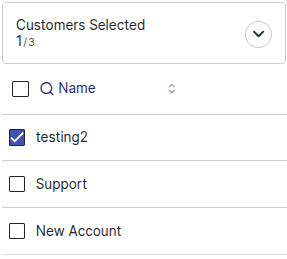
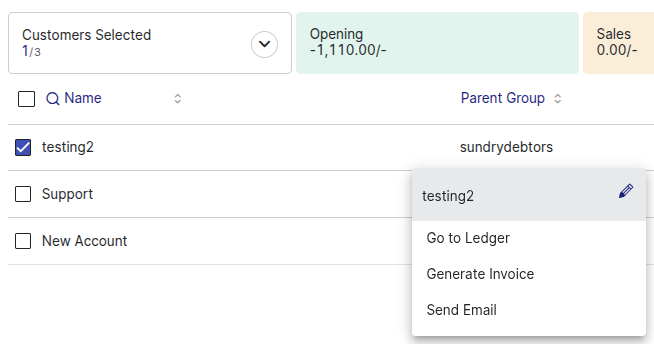
"Click the three-dot button to the right of the user for more options."
“Select 'Email' from the dropdown menu.”
“Click on 'Send Reminder via Email.”
Was this helpful?