How to add vendor in GIDDH.
Log in to your Giddh account.
To search for anything in Giddh, press Ctrl+G (for Windows) or Cmd+G (for Mac),
or use the search icon at the top of the page.
Search for “Vendor”
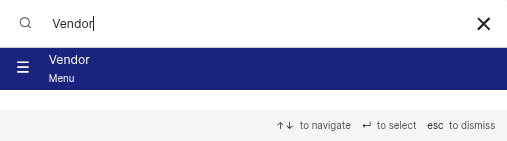
OR
From the lefthand side panel click on the Vendor option and select the option to add vendor

Click "Add New Vendor" and complete the form with all necessary information.
.webp)
Enter the Vendor address, contact details, bank information, and other required fields.


Click "Save”
Was this helpful?