How to check my active session
Log in to your Giddh account.
Press Ctrl+G (Windows) or Cmd+G (Mac) to open the universal search.
Type “Profile” and click the result.
Scroll to the Active Sessions section to see all devices you're logged into.
Click “Log Out” next to any session you want to end.
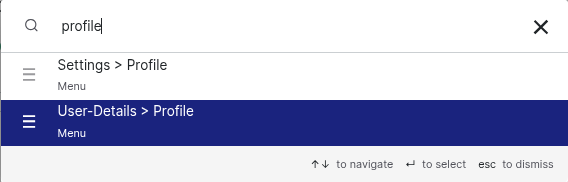
Select user-details > profile > click on session
Now you can see all the active sessions and delete the history as well.
.png)
Was this helpful?