Trial balance
To see the Trial Balance in Giddh log in to your Giddh account.
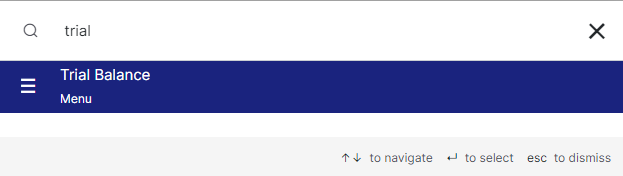
To search anything in Giddh just press Ctrl+G (for Windows) or Cmd+G (for Mac).
Press Ctrl+G/ Cmd+G and search Trial Balance
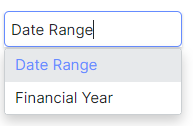
You can select either a date range or a financial year depending on the data you need
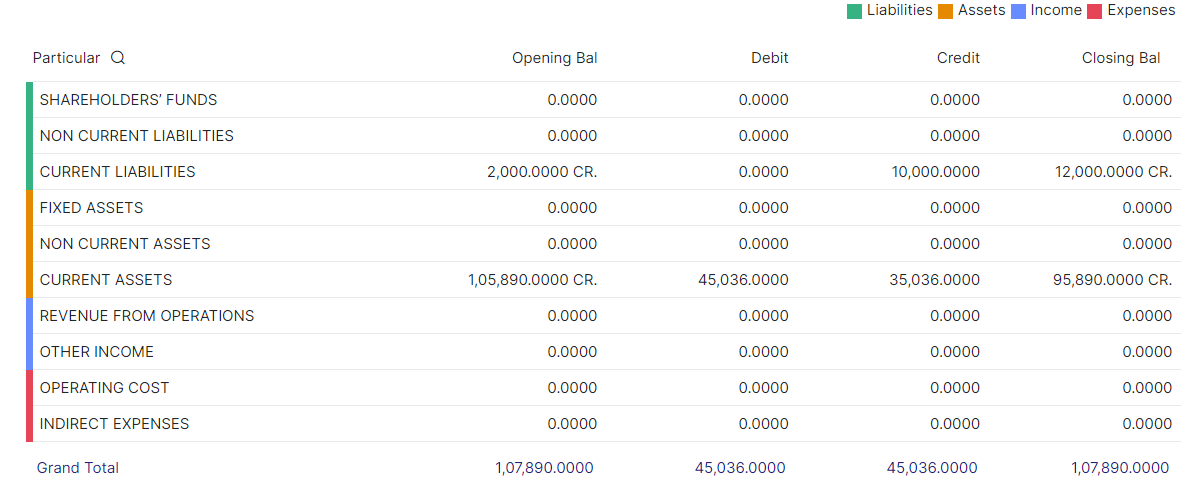
Now you can see the Trial balance as per the selected period
You can expand and collapse it as well
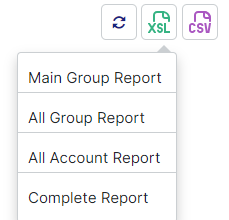
You can download the report into XSL and CSV format
Click on one format type and select report type to download the trial balance as per your requirement
Was this helpful?