Create/ edit and delete discount
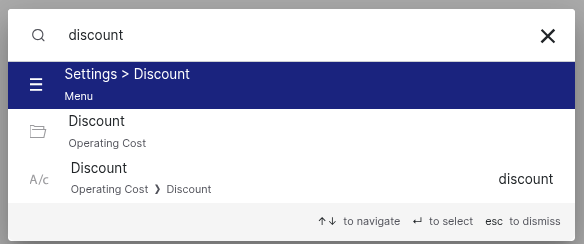
To search anything in Giddh just press Ctrl+G (for Windows) or Cmd+G (for Mac)
Search ‘discount’ > ‘Settings’ > ‘Discount’ to navigate directly."
click on create discount, You can now create a discount based on a fixed value or a percentage.
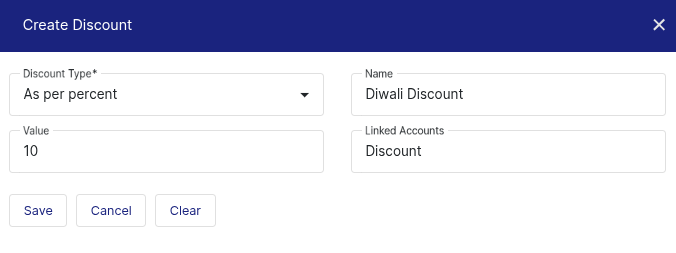
After entering all the details, click the 'Save' button.
You can also view all created discounts in the list below.

Was this helpful?