Built with DocStar
Welcome Guide
Welcome to Giddh!
This small guides cover all the things that are important to you.
1. How to close navigation?
"Use the tribar icon to collapse or expand the sidebar for a better viewing experience."


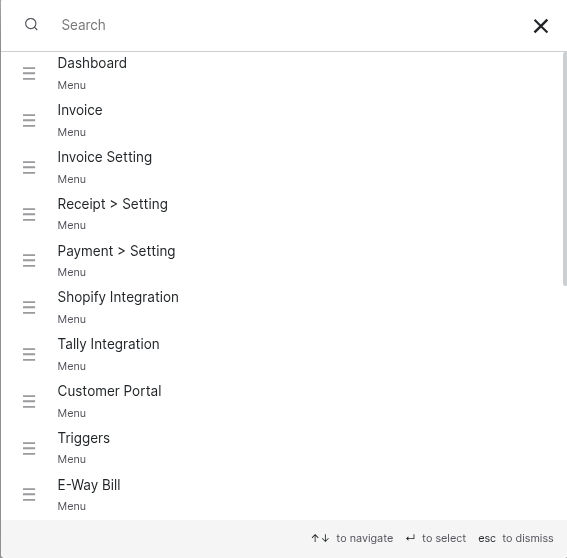
2. Universal Search
"Press Ctrl+G (Windows) or Cmd+G (Mac) to quickly search for any ledger, menu, or settings option in Giddh. Select a result to be instantly redirected to the relevant page.”
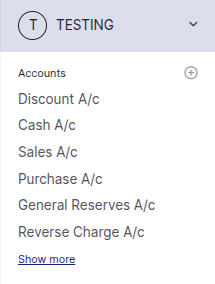
3. Accounts
"Recently used ledger accounts are displayed here for quick and easy access—just click to open.”
"Click the '+' icon to add new accounts to your books, and select 'Show More' to search for additional accounts."
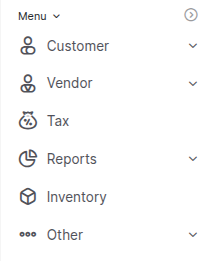
4. Menu
"The menu section organizes modules into groups, making it easy to find what you need."
5. Full Menu
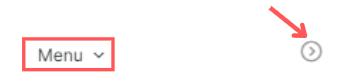
“Click on the "Menu" button or the side button to open the full menu”
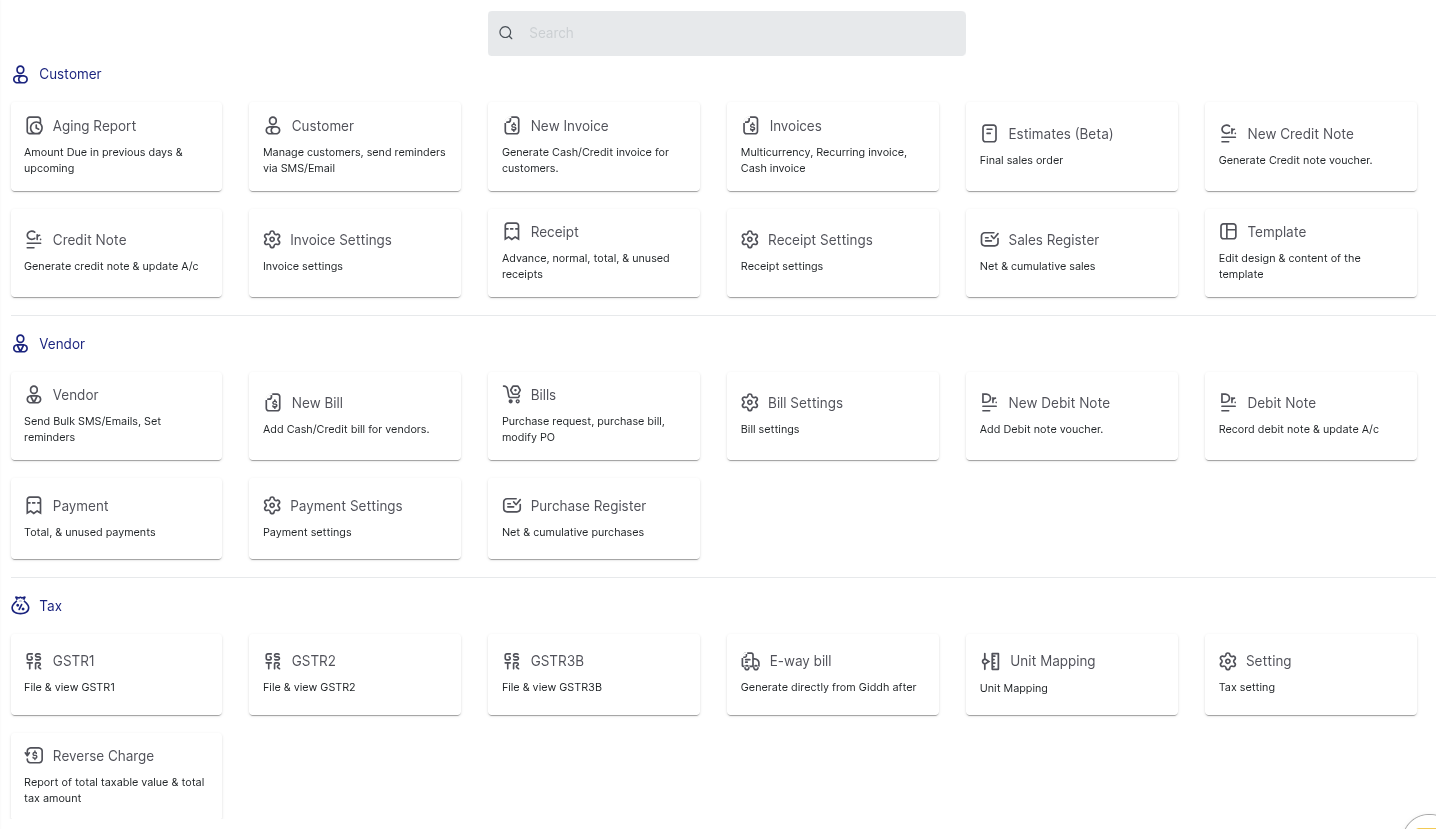
"Here, you can view all available modules and use the search feature to quickly find a specific one."
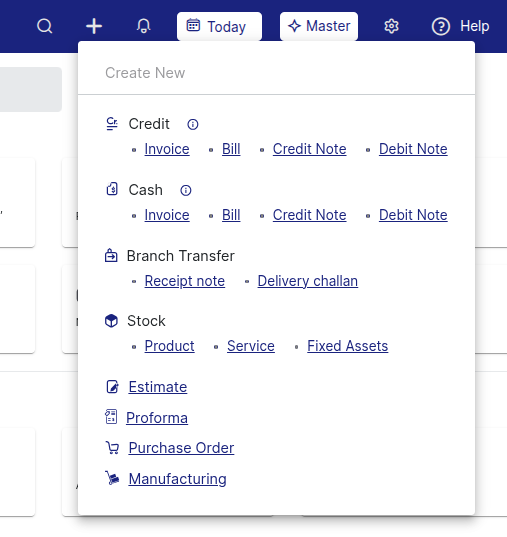
6. Plus Icon
"Click the '+' icon to easily navigate to the module options."