 Built with DocStar
How to check customer balances
To check Customer Balance in Giddh, log in to your Giddh account.
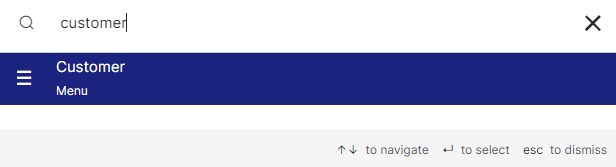
To search for anything in Giddh, press Ctrl+G (for Windows) or Cmd+G (for Mac),
or use the search icon at the top of the page.
search “Customer”
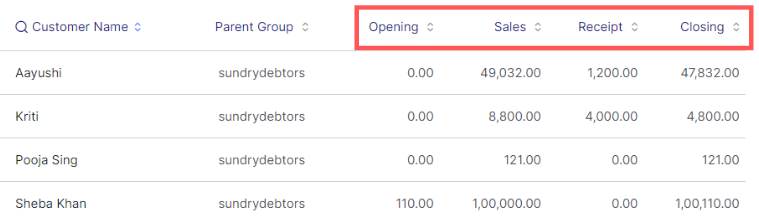
You can see the overall balances of all the customer like Opening balance, Sales, Receipt, and Closing balance

And you can also see the customer-wise details of the balance too
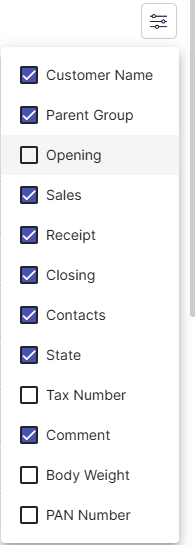
You also have the filter at the top right to view the customer report as per the filters provided
Was this helpful?


